

Moving into a new office is a significant milestone for any business, whether you are expanding your team, consolidating operations, or repositioning your company for future growth. Alongside the excitement of a new workspace comes the practical challenge of ensuring your IT infrastructure is fully operational from day one. Without a structured approach, even minor oversights can quickly escalate into costly disruptions.
A well-planned IT setup is essential to maintaining business continuity, supporting employee productivity, and safeguarding your data. From securing a reliable internet connection to configuring networks and devices, every stage of the process plays a vital role in ensuring a seamless transition. Taking the time to prepare properly can prevent unnecessary downtime and keep your operations running smoothly.
This checklist outlines the key considerations to help you manage your office move efficiently, reduce risk, and create a workspace that is ready to support your team from the moment you move in.
Plan Your IT Requirements in Advance

Before relocating, it is important to carry out a detailed assessment of your current IT environment and how it will translate into your new office space. This includes reviewing the number of employees, the devices they use, and the systems that are critical to daily operations. A clear understanding of your requirements helps prevent gaps in your setup.
You should also consider how your business may evolve over time. Growth, changes in working patterns, and the adoption of new technologies can all influence your IT needs. Planning with flexibility in mind ensures your infrastructure can adapt without requiring major changes in the near future.
By taking a strategic approach at the outset, you can avoid reactive decision-making later on. This not only saves time and money but also helps create a more stable and scalable IT environment for your business.
Check Internet Connectivity and Providers
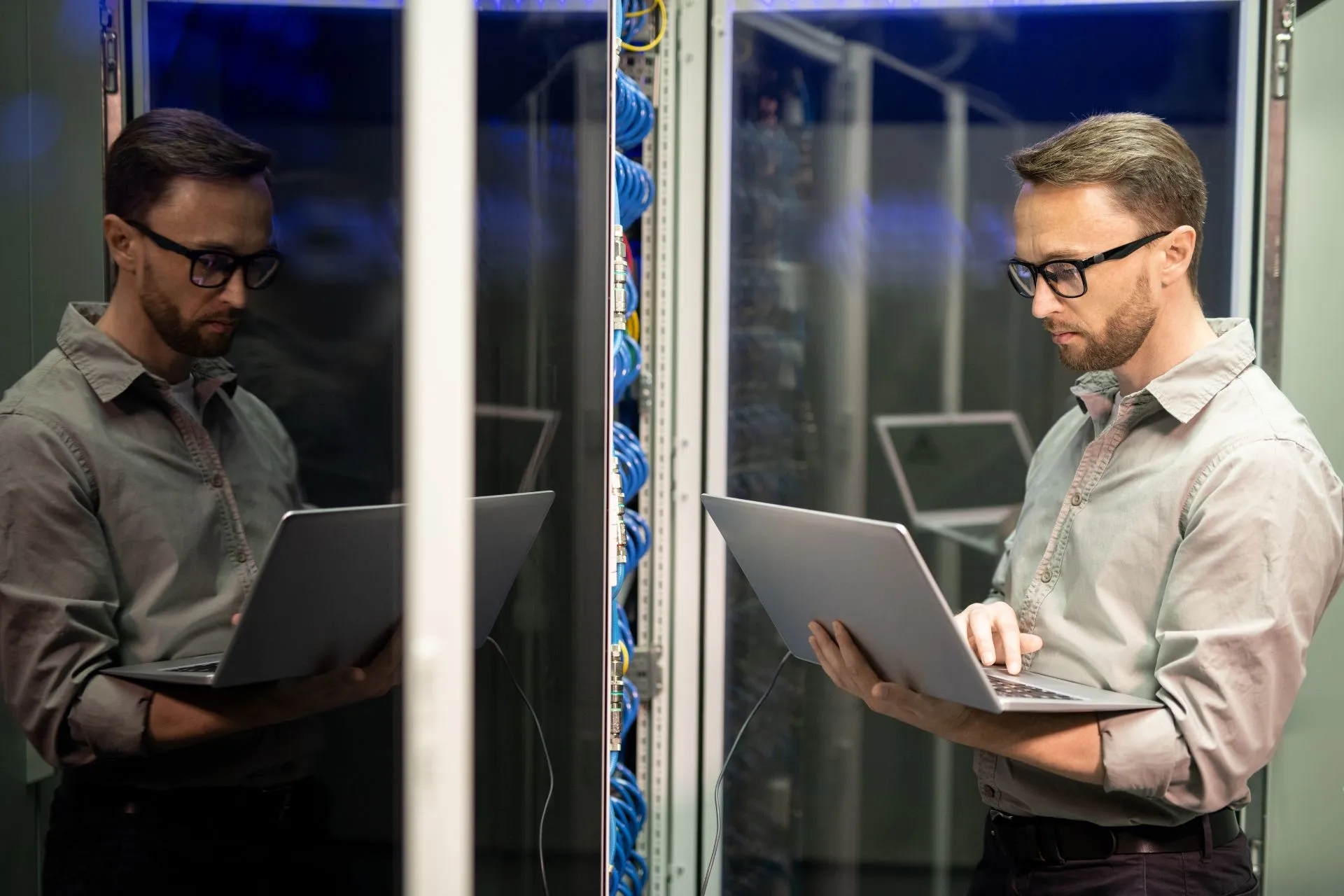
Reliable internet connectivity is fundamental to the success of any modern workplace, underpinning communication, collaboration, and access to cloud-based systems. Before committing to a new office location, it is essential to research the providers available in the area and evaluate the quality of their services.
Installation timelines should also be carefully considered, as delays in broadband setup are common and can significantly impact your move-in schedule. Securing your connection well in advance helps ensure that your team can begin working without interruption.
In addition, it is important to select a package that offers sufficient speed and bandwidth for your operations. A dependable connection not only supports productivity but also provides the foundation for future growth and digital transformation.
Set Up Network Infrastructure
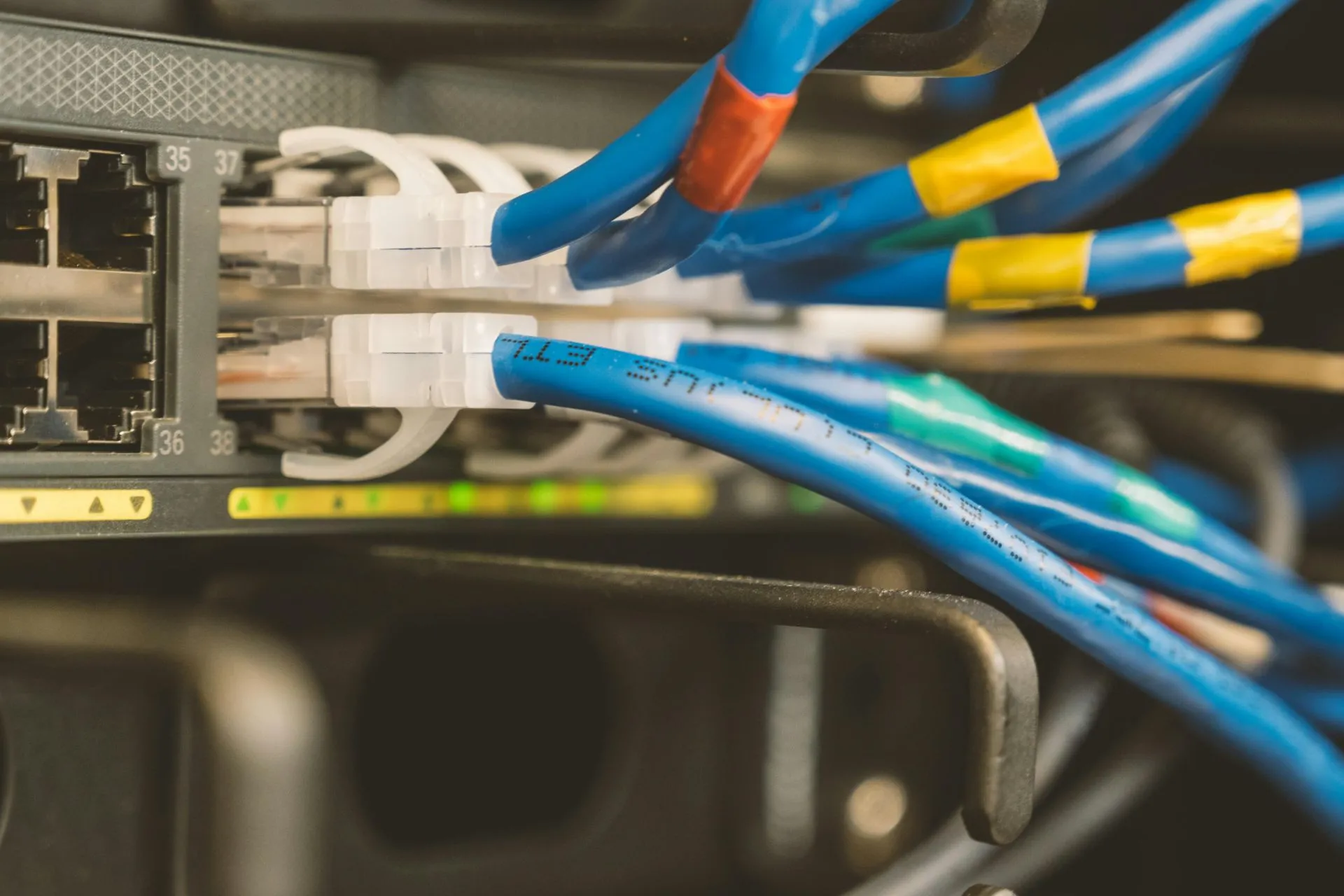
A well-designed network infrastructure is critical to ensuring efficient communication and secure data management across your organisation. This involves selecting appropriate hardware, planning the layout of your network, and configuring systems to meet your operational requirements.
Security should be a central consideration when setting up your network. Protecting sensitive information and maintaining compliance with data regulations requires robust safeguards, including firewalls, encryption, and secure access controls.
Equally important is scalability. Your network should be capable of supporting additional users, devices, and applications as your business grows, allowing you to expand without the need for major reconfiguration.
Organise Hardware and Equipment
1) Audit Existing Equipment
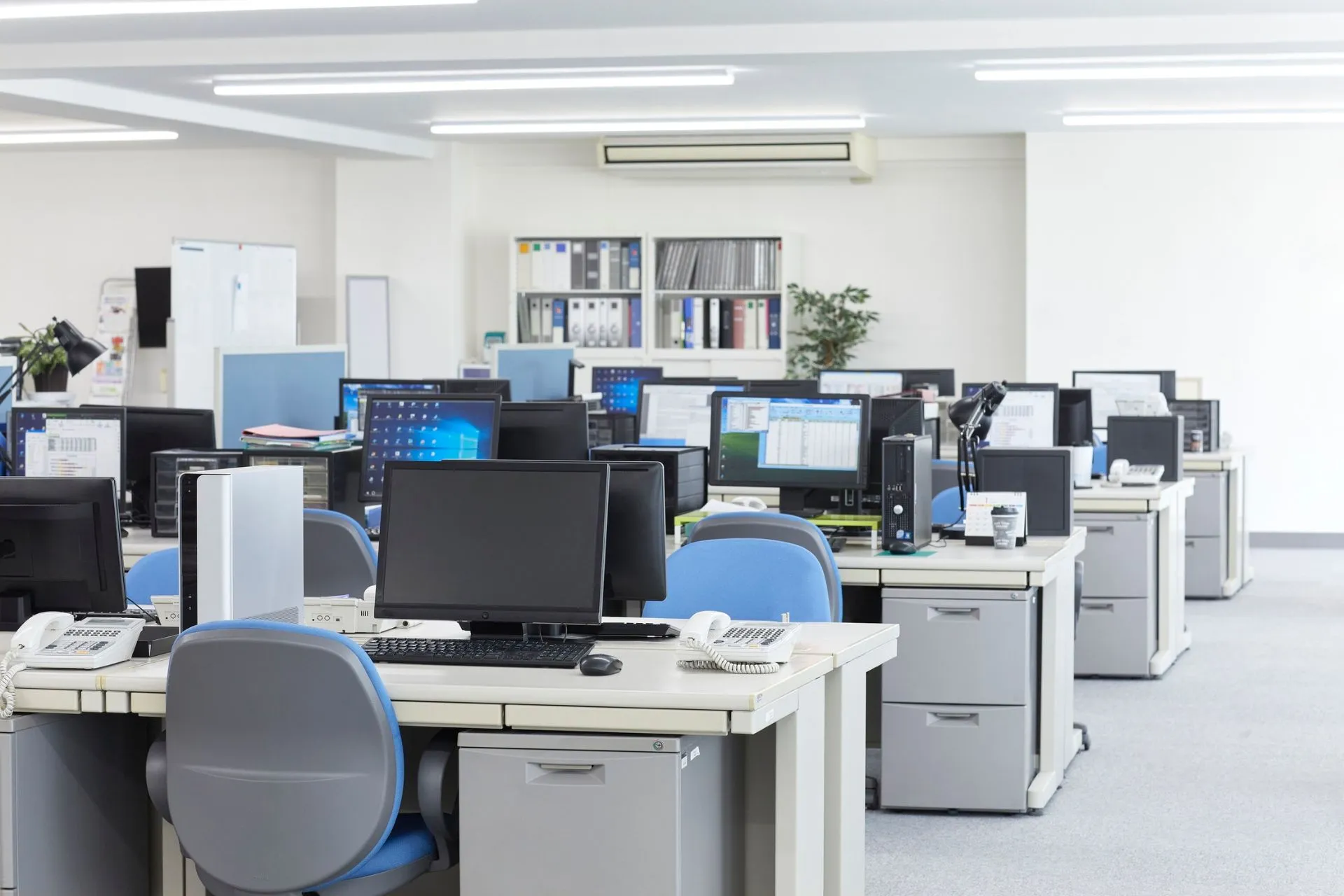
Before the move, conduct a thorough audit of all your IT hardware to understand what assets you currently have and their condition. This includes computers, monitors, servers, peripherals, and any specialised equipment your business relies on. Having a complete inventory ensures nothing is overlooked during the transition.
This process also allows you to identify outdated or underperforming devices that may need replacing. Addressing these issues ahead of time helps prevent technical problems after the move and ensures your team has the tools they need to work effectively.
2) Upgrade or Replace Where Necessary
An office move presents an ideal opportunity to modernise your IT equipment and improve overall performance. Investing in updated hardware can enhance productivity, reduce maintenance issues, and support newer software and systems.
Carefully consider which upgrades will provide the greatest benefit to your business. By making informed decisions at this stage, you can create a more efficient and reliable working environment from the outset.
3) Prepare Equipment for Installation
Once you have finalised your equipment decisions, it is important to prepare everything for installation in the new office. This includes cleaning, testing, and properly labelling devices to ensure a smooth setup process.
Organised preparation reduces the risk of delays and confusion during installation. It also helps your IT team or service provider work more efficiently, enabling your business to become operational as quickly as possible.
Implement Data Backup and Security Measures

1) Back Up Critical Data
Before relocating, ensure that all essential business data is securely backed up using reliable systems. This step is crucial in protecting against potential data loss during the move, whether caused by technical issues or human error.
Testing your backup systems is equally important, as it confirms that your data can be restored quickly if needed. A dependable backup strategy provides peace of mind and safeguards your business continuity.
2) Review Cybersecurity Protocols
An office move is an ideal time to reassess your cybersecurity measures and ensure they remain effective in your new environment. This includes updating firewalls, antivirus software, and access controls to reflect current best practices.
Strengthening your security framework helps protect against evolving threats and ensures compliance with data protection regulations. A proactive approach to cybersecurity reduces risk and enhances overall resilience.
3) Consider Cloud-Based Solutions
Cloud technology can offer greater flexibility and accessibility for your business, particularly during an office transition. By storing data and applications in the cloud, you reduce reliance on physical servers and improve remote access capabilities.
Adopting cloud-based solutions can also simplify your IT setup and ongoing management. This approach supports modern working practices and allows your business to operate more efficiently in a dynamic environment.
Coordinate IT Setup and Testing

Careful coordination is essential to ensure your IT systems are installed and ready for use at the right time. This involves aligning delivery schedules, installation timelines, and system configurations to avoid unnecessary delays. A well-organised approach keeps your move on track.
Testing should be carried out thoroughly before your team begins working in the new office. This includes verifying internet connectivity, network performance, and access to essential systems. Identifying and resolving issues early helps prevent disruption.
Working with experienced IT professionals can make this process significantly smoother. Their expertise ensures that systems are configured correctly and operating efficiently, allowing your business to transition with minimal downtime.
Support Your Team Through the Transition

Even with a well-executed IT setup, your employees may need support as they adapt to the new workspace. Clear communication is key to helping them understand how to access systems, use equipment, and navigate any changes in processes.
Providing guidance and resources, such as login details and user instructions, can help reduce confusion and improve confidence. This ensures your team can begin working productively from the outset.
Ongoing IT support during the transition period is equally important. Addressing issues quickly and efficiently helps maintain momentum and ensures a positive experience for your employees.
Summary
Setting up IT in a new office requires careful planning, coordination, and attention to detail. By approaching each stage methodically, you can minimise disruption, protect your business data, and create an environment that supports productivity from day one.
For many businesses, managing IT infrastructure during a move can be time-consuming and complex. Choosing a flexible workspace can remove much of this burden, providing ready-to-use technology and support without the need for extensive setup.
If you are planning an office move and want to simplify the process, Quintessential Offices can help. Get in touch today to explore fully serviced workspaces designed to support your business with reliable IT infrastructure, flexible terms, and a seamless move-in experience.