

Setting up VoIP phones in a new office is one of the most important steps in creating a modern, flexible workplace. Unlike traditional landlines, VoIP (Voice over Internet Protocol) systems use your internet connection to handle calls, giving businesses more control, scalability, and cost efficiency from the outset. With hybrid working now the norm, a well-configured VoIP system ensures your team can stay connected whether they’re at their desks or working remotely.
For businesses moving into a new workspace, getting communications right from day one helps avoid disruption later. A poorly planned setup can lead to dropped calls, frustrated staff, and missed opportunities, all of which can be costly. Taking a structured approach allows you to build a system that supports both your current needs and future growth.
The good news is that setting up VoIP doesn’t have to be overly technical or time-consuming. With the right provider, equipment, and planning, most businesses can get up and running quickly. Below, we break down the key steps and considerations to help you set up your VoIP phones effectively in a new office.
Check Your Internet Connection and Bandwidth
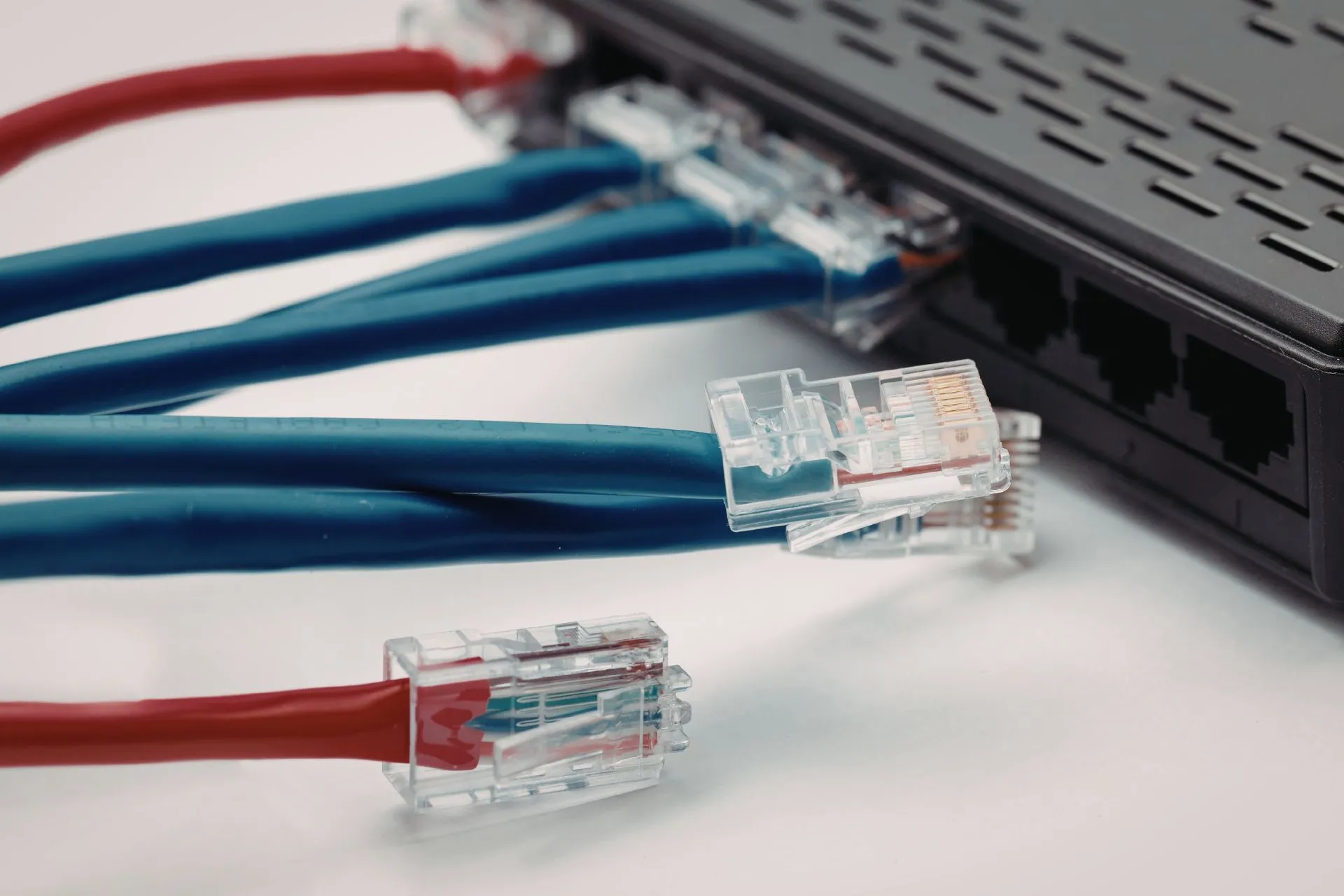
Before anything else, your internet connection needs to be fit for purpose. VoIP systems rely entirely on your network, meaning call quality is directly tied to the strength and stability of your connection. If your broadband is unreliable or underpowered, you’re likely to experience issues such as lag, jitter, or dropped calls.
It’s important to assess how many users will be making calls at the same time and ensure your bandwidth can comfortably support that demand. As a general rule, each VoIP call requires a consistent portion of bandwidth, so growing teams should plan ahead rather than simply meeting their current needs. Investing in a business-grade connection can make a significant difference in performance and reliability.
You should also consider configuring Quality of Service (QoS) settings on your network. This allows voice traffic to be prioritised over other data, such as file downloads or streaming, ensuring calls remain clear even during busy periods. A strong network foundation will make every other step in the process far more effective.
Choose the Right VoIP Provider

Selecting a VoIP provider is about more than just cost—it’s about reliability, features, and long-term support. Different providers offer different levels of service, so it’s worth comparing options carefully to ensure they align with your business requirements. Look for providers that offer clear pricing, flexible plans, and strong customer support.
Many modern VoIP providers include features such as call forwarding, auto-attendants, voicemail-to-email, and integrations with CRM platforms. These tools can streamline communication and improve how your business interacts with clients. Choosing a provider with scalable packages also ensures you can add users or features as your business grows.
It’s equally important to consider onboarding and technical support. A provider that offers setup assistance, training, and ongoing support can significantly reduce the complexity of implementation. This is particularly valuable for businesses setting up VoIP in a new office for the first time.
Select Your VoIP Hardware or Devices

VoIP systems are highly flexible when it comes to hardware, allowing businesses to choose devices that suit their working style. From traditional desk phones to mobile apps and computer-based softphones, there are multiple ways to connect your team. The right choice will depend on how your office operates on a daily basis.
For more traditional environments, IP desk phones provide a familiar and reliable solution with advanced features built in. These are ideal for front desks, reception areas, or teams that spend a lot of time on calls. They also offer a professional, consistent setup across the office.
For more agile or hybrid teams, softphones offer greater flexibility. Employees can make and receive calls from laptops or smartphones, enabling seamless communication whether they’re in the office or working remotely. Many businesses opt for a combination of both to balance structure and flexibility.
Set Up Your Network and Equipment

Once you’ve chosen your devices, the next step is to configure your network and connect your equipment properly. This usually involves linking your VoIP phones to your router or network switch and ensuring everything is correctly powered and connected. While the process is often straightforward, attention to detail is key.
In some cases, you may need to configure VLANs or adjust network settings to optimise performance. These steps help separate voice traffic from general data, reducing the risk of interference and improving call quality. If you’re unsure, your IT provider or VoIP vendor can usually assist with these configurations.
Many providers now offer pre-configured devices that are ready to use straight out of the box. This plug-and-play approach can significantly speed up installation and reduce the chances of errors. Taking the time to set up your network properly will ensure a smoother experience once your system goes live.
Configure Your Phone System Settings

1) Set Up Users and Assign Numbers
The first step in configuring your system is creating user accounts and assigning phone numbers. Each team member should have their own extension or direct line, depending on your setup. This ensures calls can be routed efficiently and gives your business a more professional structure.
You’ll also want to organise users into departments where relevant, such as sales, support, or administration. This makes it easier to manage call flows and ensures incoming calls are directed to the right people. A well-organised system reduces confusion and improves response times.
Taking the time to structure your users properly at the beginning will save you from having to reorganise things later. It also makes it easier to scale your system as your team grows and new employees are added.
2) Set Up Call Routing and Auto-Attendants
Call routing is one of the most powerful features of a VoIP system. You can direct calls based on time of day, department, or availability, ensuring customers always reach the right person. Auto-attendants can greet callers and guide them through options, creating a more professional experience.
This is particularly useful for growing businesses that want to maintain a polished image without needing a full-time receptionist. It also helps manage high call volumes more efficiently, reducing missed calls and improving customer satisfaction.
Carefully planning your call flows will make a noticeable difference in how your business handles communication. It’s worth mapping out different scenarios to ensure your system works smoothly under all conditions.
3) Enable Voicemail and Advanced Features
Voicemail is a basic but essential feature, and modern VoIP systems offer much more than traditional setups. Features like voicemail-to-email allow messages to be delivered directly to your inbox, making them easier to access and manage.
You may also want to enable call recording, call analytics, and integration with other business tools. These features can provide valuable insights into performance and help improve customer interactions over time.
While it can be tempting to enable everything at once, it’s often better to start with the essentials and expand as needed. This approach keeps things simple while still allowing you to take advantage of advanced functionality later.
Test Call Quality and System Performance

1) Make Internal and External Test Calls
Before fully launching your VoIP system, it’s essential to test it thoroughly. Start by making internal calls between team members to ensure everything is connected correctly. Then move on to external calls to check how your system performs outside your network.
Pay attention to call clarity, connection speed, and any delays or interruptions. Even small issues can become significant problems if left unresolved, so it’s important to identify and fix them early.
Testing also gives your team a chance to familiarise themselves with the system in a low-pressure environment. This can help build confidence before the system goes live.
2) Monitor Network Performance
During testing, keep an eye on your network performance to ensure it can handle call traffic without issues. Look for signs of congestion or instability, particularly during busy periods when multiple users are active.
If you notice problems, you may need to adjust your bandwidth allocation or revisit your QoS settings. In some cases, upgrading your internet connection may be the best solution to ensure consistent performance.
Ongoing monitoring is just as important as initial testing. Regular checks will help you maintain high call quality as your business grows and usage increases.
3) Gather Feedback from Your Team
Your team’s feedback is invaluable when testing a new VoIP system. Encourage them to report any issues or challenges they encounter, as they may notice things that aren’t immediately obvious.
This feedback can help you fine-tune your setup and address any usability concerns before they affect day-to-day operations. It also ensures your system works well for everyone, not just from a technical perspective.
Creating an open feedback loop during the testing phase will lead to a more effective and user-friendly setup overall. It’s a simple step that can make a big difference in long-term success.
Train Your Team on the New System

Even the most advanced VoIP system will fall short if your team doesn’t know how to use it effectively. Providing clear, practical training ensures everyone understands how to make calls, transfer calls, and access key features such as voicemail and call forwarding.
Training should be tailored to your team’s roles, focusing on the features they’ll use most often. For example, reception staff may need more in-depth guidance on call handling, while other employees may only need the basics. Keeping training relevant helps avoid overwhelming your team.
It’s also helpful to provide simple guides or ongoing support as your team gets used to the system. This encourages adoption and ensures your investment in VoIP delivers real value across your business.
Summary
Setting up VoIP phones in a new office is a crucial step in building a connected, efficient workplace. By focusing on your network, choosing the right provider, and taking the time to configure your system properly, you can create a communication setup that supports your business both now and in the future.
A well-planned VoIP system not only improves internal collaboration but also enhances how your business interacts with clients. From professional call handling to flexible remote access, the benefits extend far beyond simple voice communication.
If you’re moving into a new office and want a workspace that’s ready for modern business needs, Quintessential Offices can help. Get in touch today to find flexible, fully serviced office spaces designed to support seamless connectivity and growth from day one.